 Govind Tekale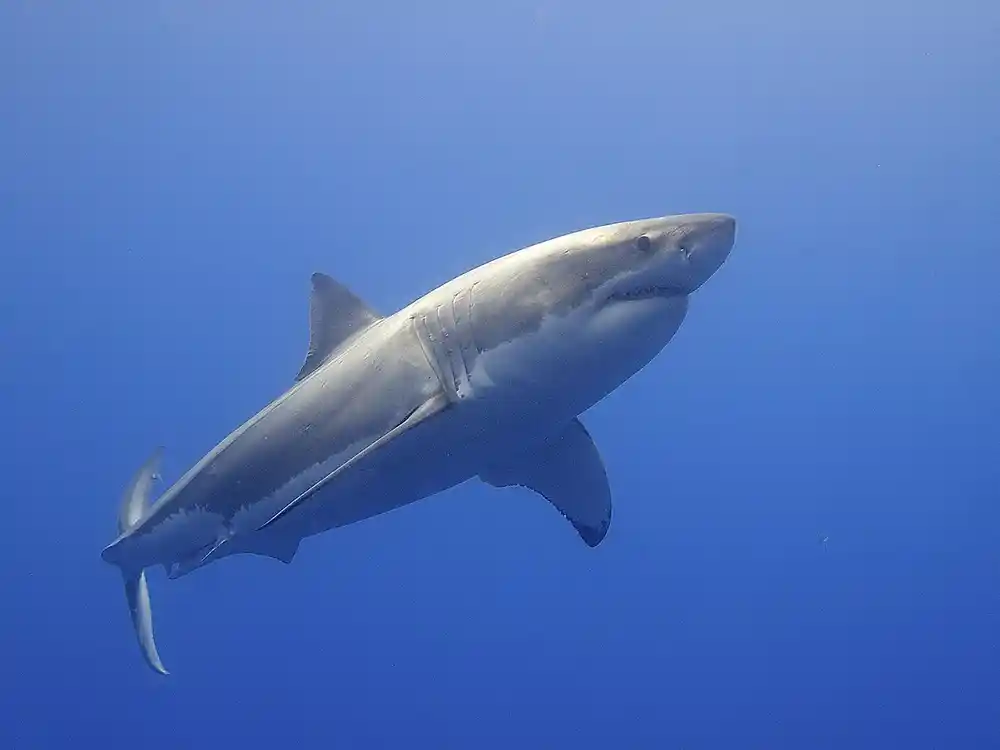
Woman Tries to Pet Great White Shark Off Tybee Island, Georgia, and the Shark Lunges
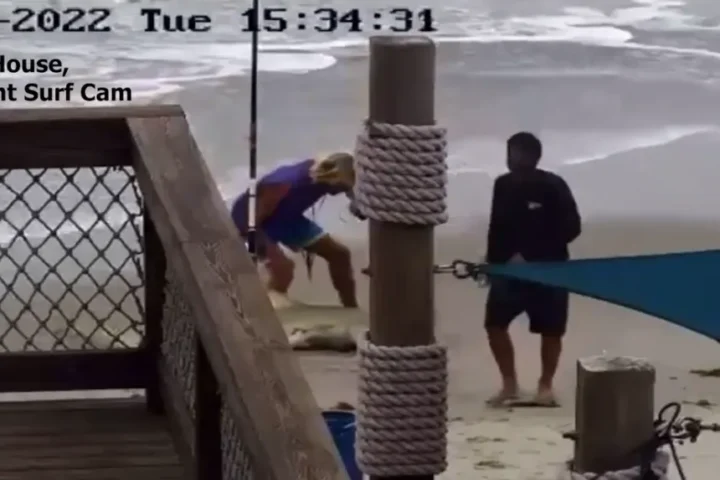
Thinking about reaching over the side of a boat to touch a shark? A video from off Tybee Island, Georgia, shows what can happen. A passenger tried to pet a great white, and the animal whipped its head around and lunged toward her hand. The clip has gone viral.
The encounter happened aboard a trip run by Knot Lucky, a Savannah-based nonprofit that takes military veterans and their families fishing and helps researchers tag great whites. The video shows a passenger identified only as Jen leaning over the side and touching the shark. The great white thrashed and lunged. Jen pulled her hand back and was not injured. Founder Jimmy Armel said she treated the animal “like the family dog.” Armel added that everybody on the boat “felt that one in their chest.”
Keep hands and arms inside the boat during any encounter with a shark, even when the animal looks calm.
An expert quoted in reporting said touching sharks is not part of normal tagging and stresses the animal. The irony is hard to miss. The trip was a tagging outing run with a nonprofit that helps researchers tag great whites. Armel said the crew did not tag the shark because it could not do so safely. The shark was released without a tag. For more on sharks off the US coast, see our Sharktober report. For another close encounter, see our Catherine Breed swim story.
Was the woman injured when the great white shark lunged at her in Georgia?
No. Jen pulled her hand back as the shark thrashed and lunged beside the boat off Tybee Island. Armel said the crew kept control and Jen was never in immediate danger.
Give sharks room, and keep hands inside the boat.
\———————————————————————————————–
\———————————————————————————————–
## How to Log Into WordPress REST API — Step by Step
### What We Used: \*\*Application Password Authentication\*\*
\—
### Step 1: Get the Credentials
From the Pipeline file (\`Karmactive Pipeline.md\`), the credentials are:
\- \*\*Username\*\*: \`Sunita Somvanshi\`
\- \*\*Application Password\*\*: \`Tw8Q Khc9 8KxU 5L4O 3Q0s 0w6J\` (remove spaces → \`Tw8QKhc98KxU5L4O3Q0s0w6J\`)
> Application Passwords are created in WordPress Admin → \*\*Users → Profile → Application Passwords\*\* section. They’re separate from the login password and designed for API access.